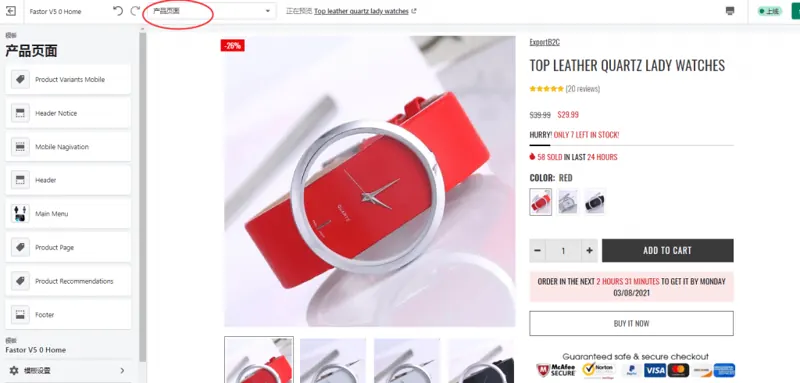
Put decision-making details near the top
Give shoppers a clear title, primary image, actual price and available variants. Place relevant delivery or support information near the purchase button. Fill product details with verified specifications for the item.
Use templates to support different product needs
Clothing may need a size chart, while a device may need compatibility details, package contents and a specification table. Maintain accurate product data and organize it with available theme blocks or templates. Check that image changes follow variant selection and inventory messages are clear.
Test the full buying path on mobile
Reach the page through search or a collection. Try image zoom, options, quantity and the cart with real product data. Adjust floating elements that cover purchase controls and check image compression and above-the-fold loading.