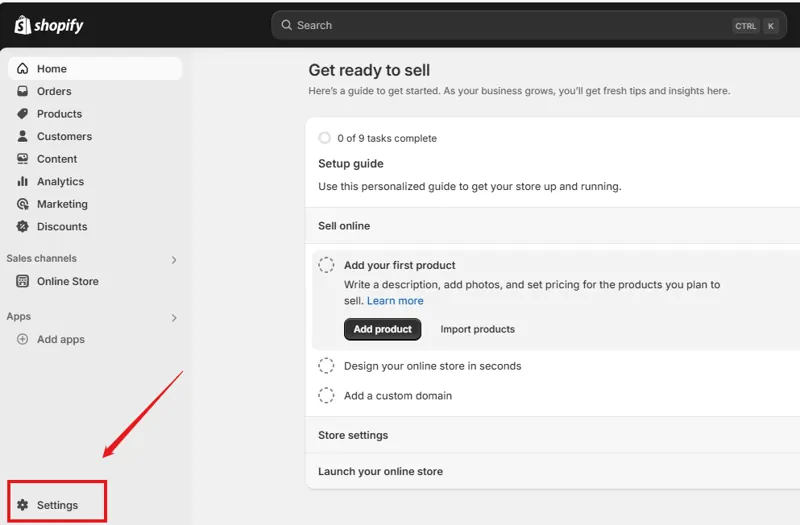
Review storefront and billing information
Check the public store name and contact details, then verify the billing entity, time zone, currency and merchant address. Have the store owner confirm the plan, payment method and billing alerts. Record one-time charges separately from recurring ones.
Assign access by responsibility
Give staff individual accounts and grant the access they need for products, orders or content. Check billing, user and payment administration separately. Review invitations and internal access after configuration and testing.
Assign ownership for order communications
Review order confirmation, shipping, cancellation and refund notifications. Place a test order and compare customer messages with the underlying admin status. Resolve unexpected address, tax or shipping behavior before opening the store.