Understand the layouts
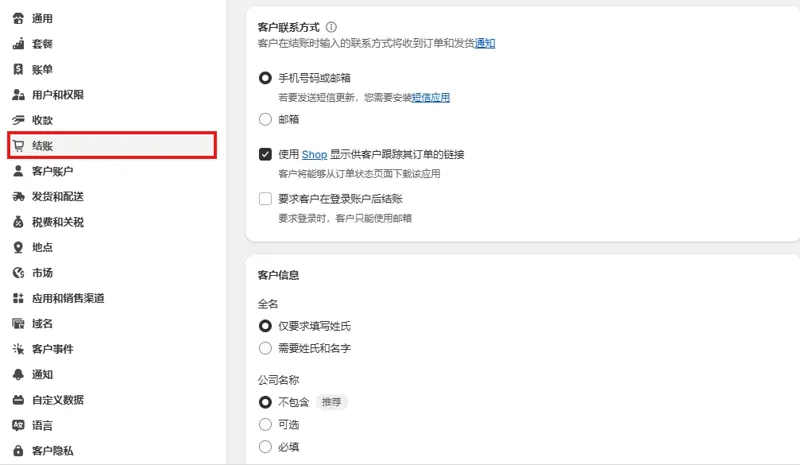
One-page checkout groups contact, shipping and payment on one page. A multi-step layout presents those sections in sequence. Check the checkout editor to see what your store can configure.
Use matched orders
Try a typical order and one with different shipping requirements. On mobile, enter an address, apply a discount, switch payment methods and confirm the total. Record missed fields, errors and places where previous choices are hard to edit.
Measure after release
Keep assortment, traffic sources and offer terms as similar as possible while testing. Compare successful payments per checkout started and review payment failures and support questions. With limited data, prioritize clear, reliable completion.