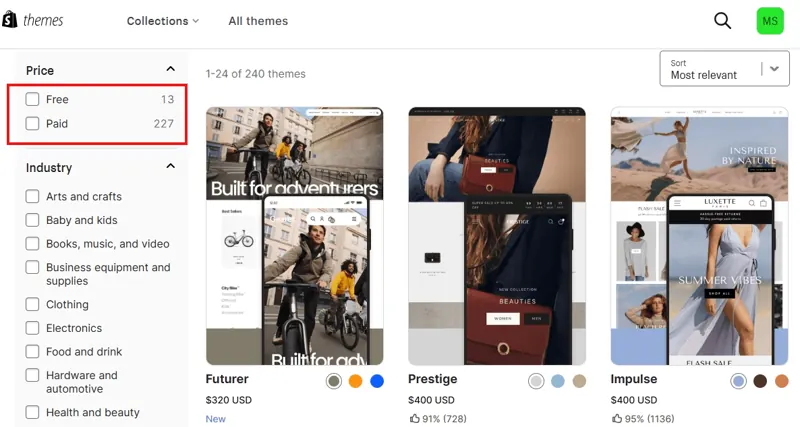
Try a Paid Shopify Theme Before Buying

Use the free theme preview to test a paid theme with your own products and storefront content.

Try a Paid Shopify Theme Before Buying

Open the available trial

Review a listing in the Shopify Theme Store and use its trial option to add it to your theme library. Preview the layout and supported editor settings before deciding to purchase and publish.

Preview your own catalog

Try real product images, content, collections and menus. Check mobile media, variant selection, accessibility and cart access first. Verify languages, filtering and important app integrations.

Review purchase terms

Check the price, license, customization scope and support. Purchase only when the theme meets the launch requirements. Keep the current theme and verify the full storefront before publishing.

Sign up for a Shopify free trial

Visit Shopify to review the signup process and currently available offers. See the official page for eligibility, pricing and terms.

See Shopify offers

This site contains affiliate links. We may earn a commission when you sign up or make a purchase through them.

Store advice

Tell us what you sell, where you plan to sell it or what is holding up your store. We can help you compare options and decide what to do next.

Inquiry cart

Your inquiry cart is empty.

Store advice